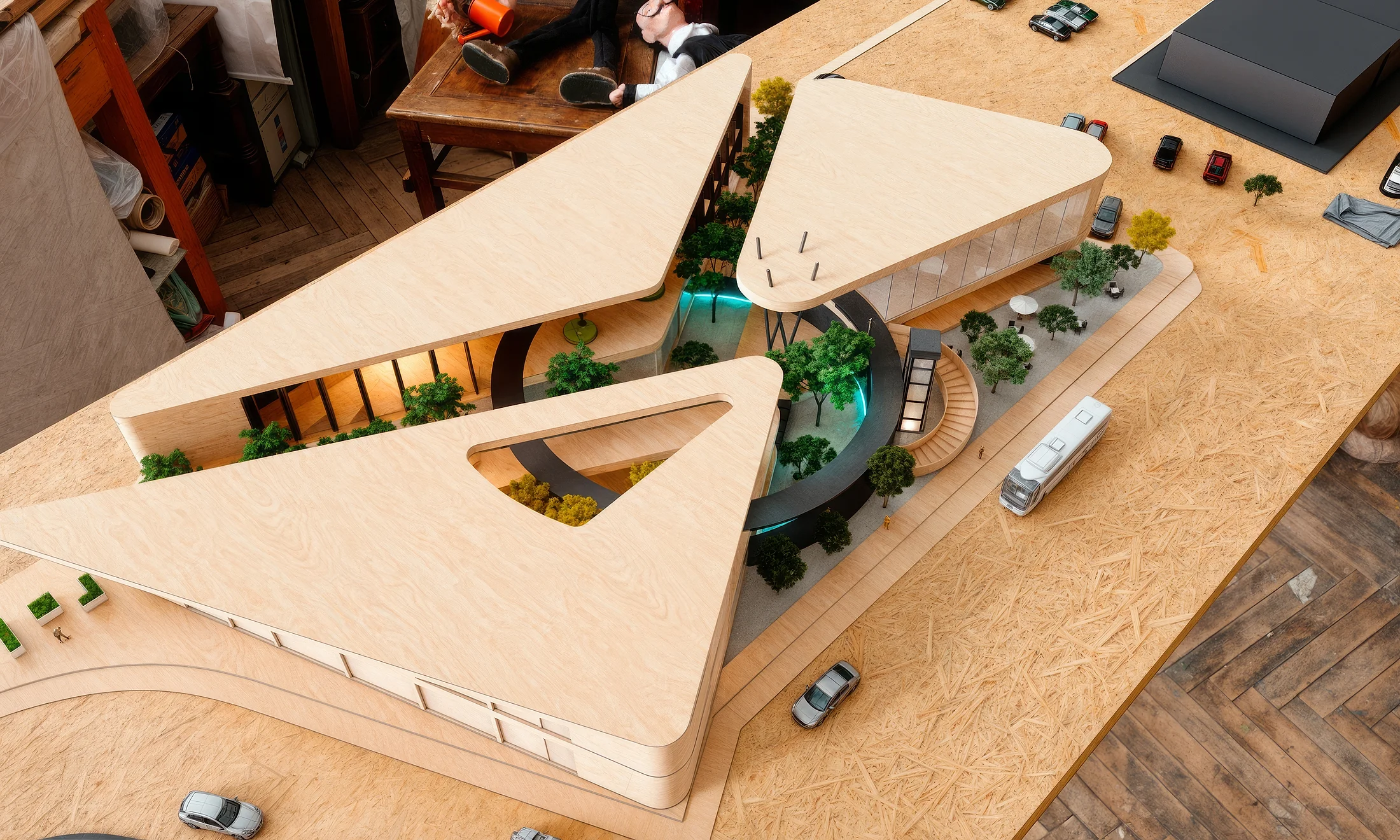
Don’t let AI take your job.
Make it work with you.
Conceptual architectural design and site analysis with AI. 15 short lessons. At the end you have a finished schematic design, not notes.
Arq. Irving Sánchez · 16 years · 180+ projects delivered
The problem isn’t that AI designs better than you.
It’s that your client is already using it to form an idea before calling you, the freelancer next door delivers in half the time, and a site analysis still takes you three days.
AI won’t take your job. The architect who uses it will.
What AI does NOT do
Judgment · Code · Professional liability
What it does, fast
Process data · Generate options · Produce imagery
What this module teaches
Where each one belongs, on a real project
At the end you have a schematic design. Not notes.
Full site analysis
Context, code, sun path and program
A justified parti
With a constraints table that defends it
Verified massing
Against lot coverage, FAR and levels. It actually fits
Concept imagery
A consistent set of views at delivery resolution
Follow along with my project or your own.
A real project, start to finish.
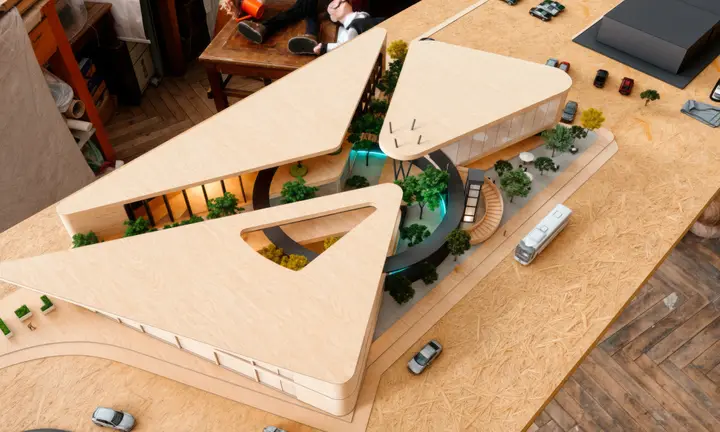
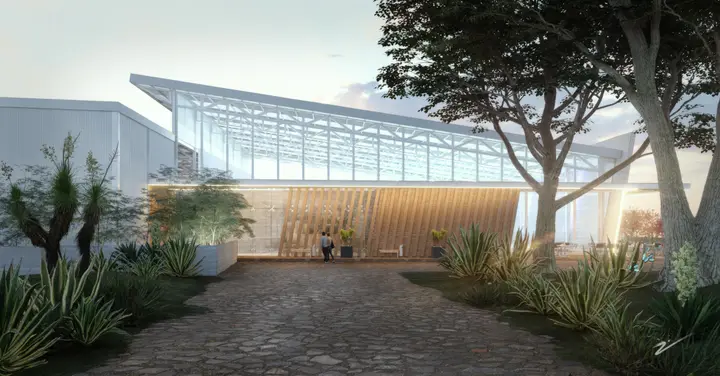
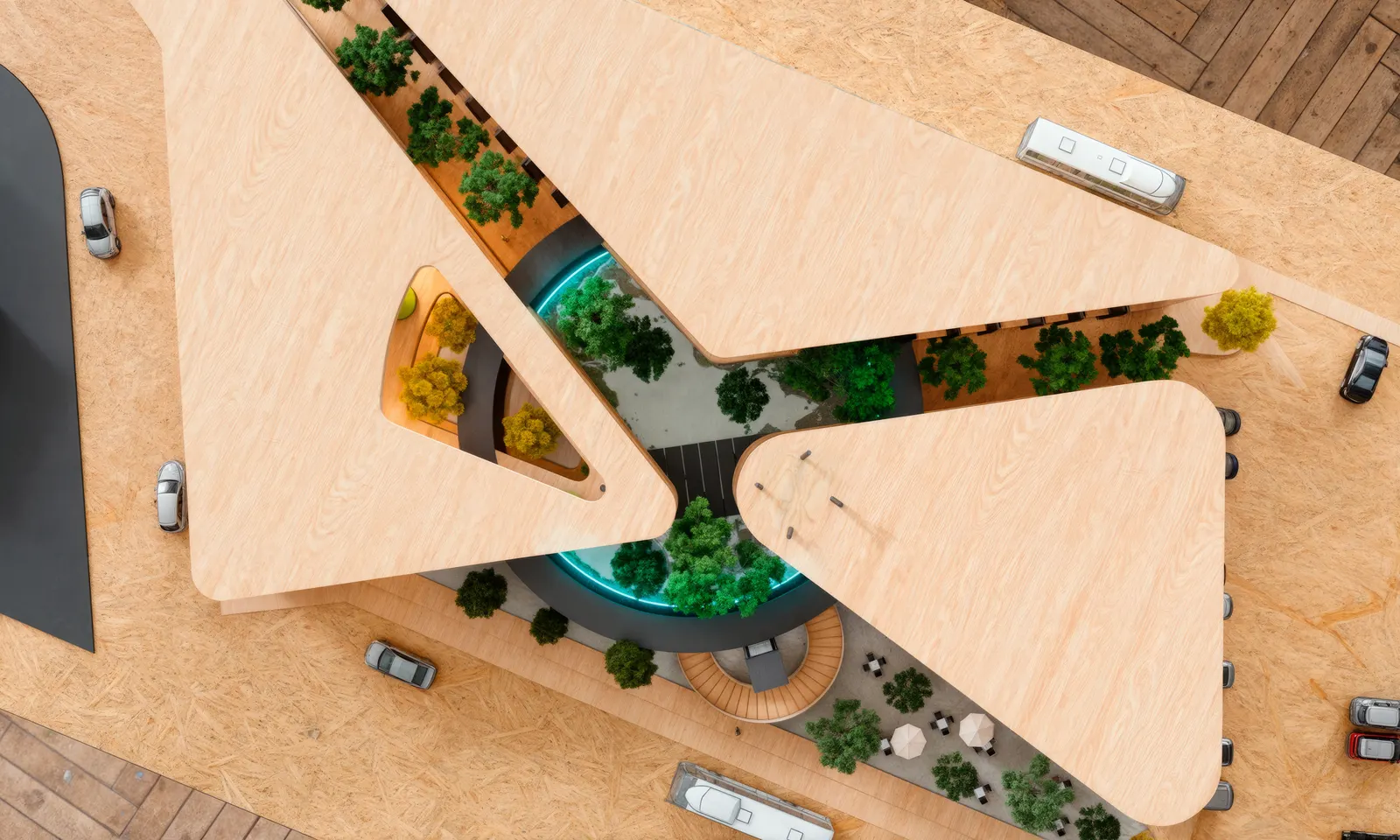
Plaza Oasis, Querétaro. A retail plaza with shops, stands, a gaming zone and a multipurpose space. We rebuild it from scratch, with the real constraints it had.
Not a school exercise. A real commission with a site, code, budget and a client who wanted everything to fit.
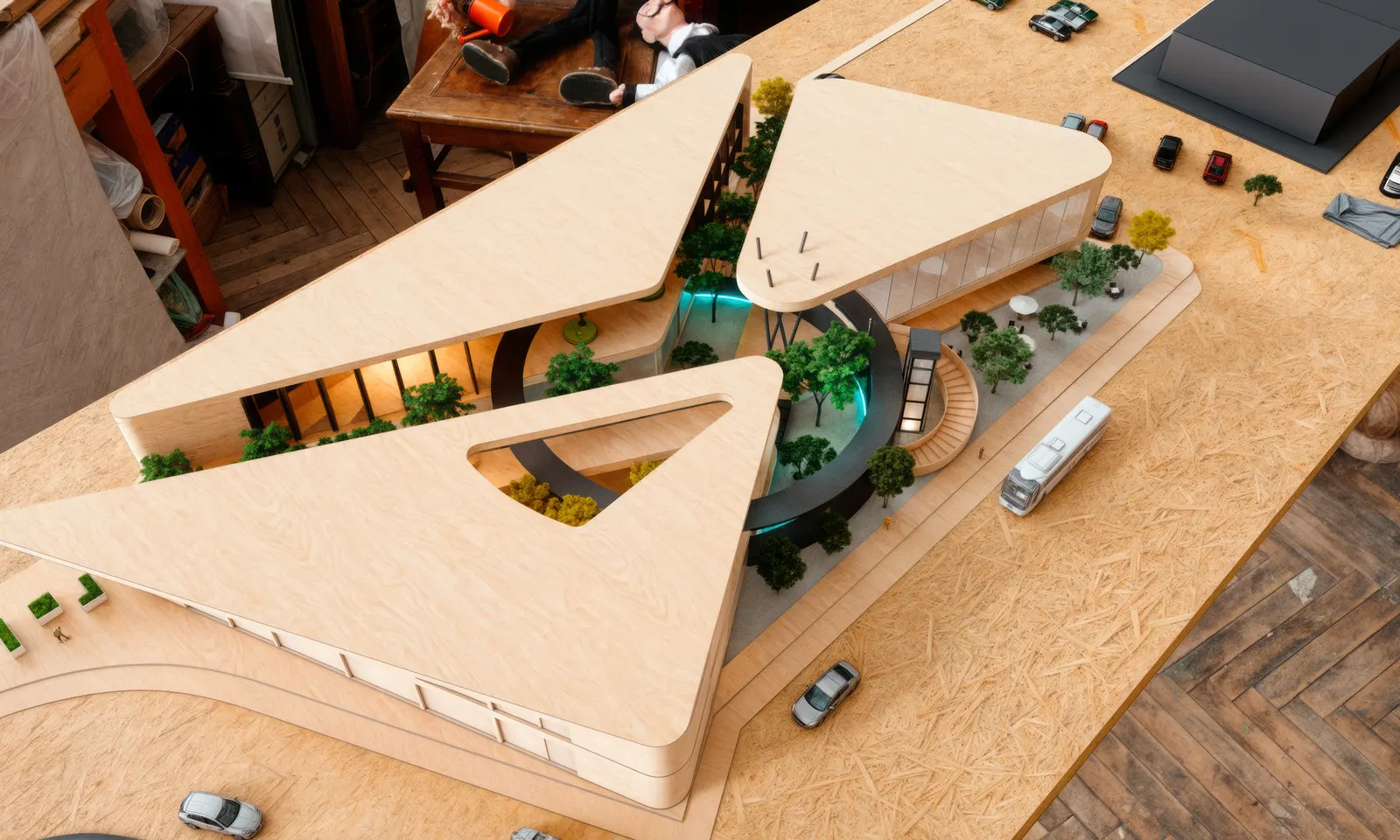
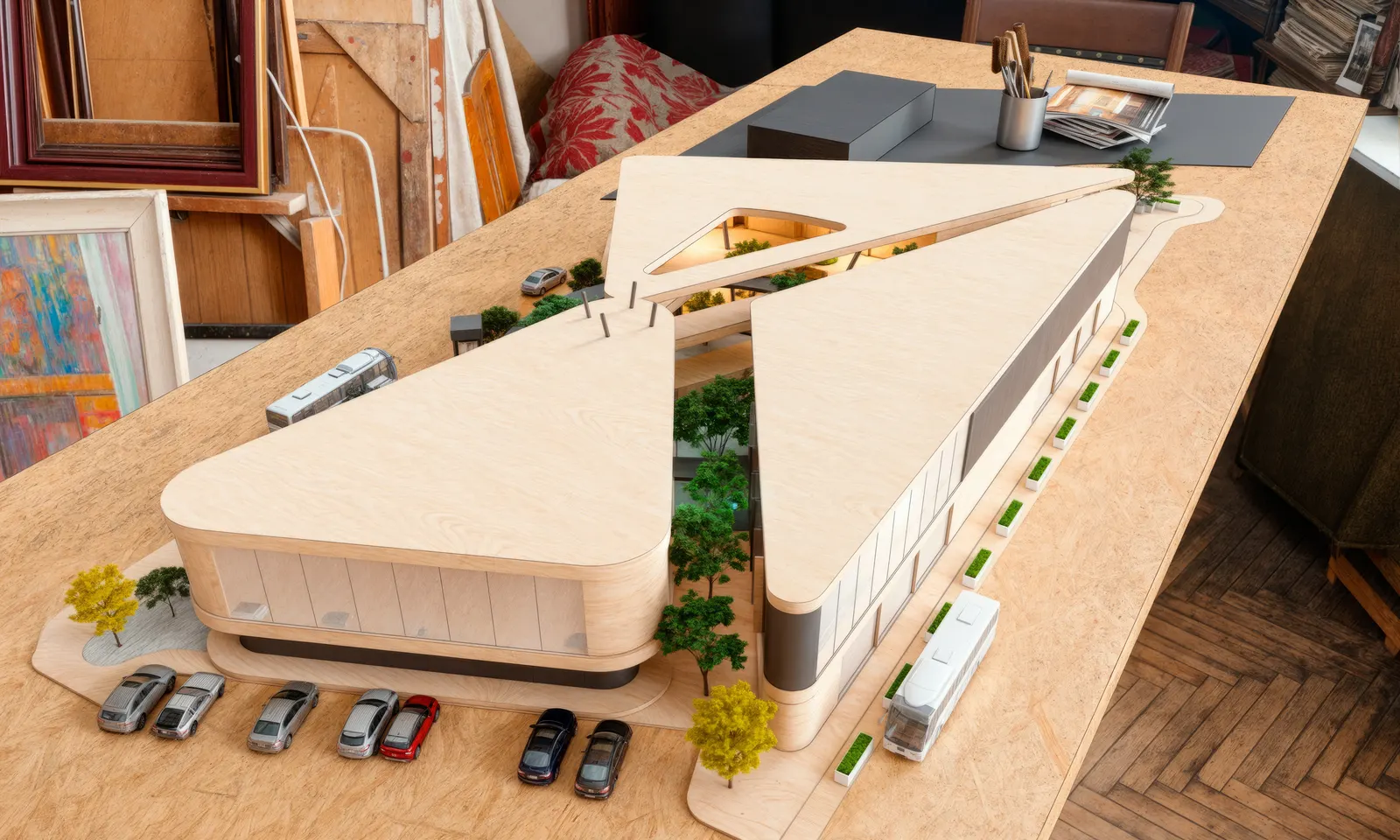
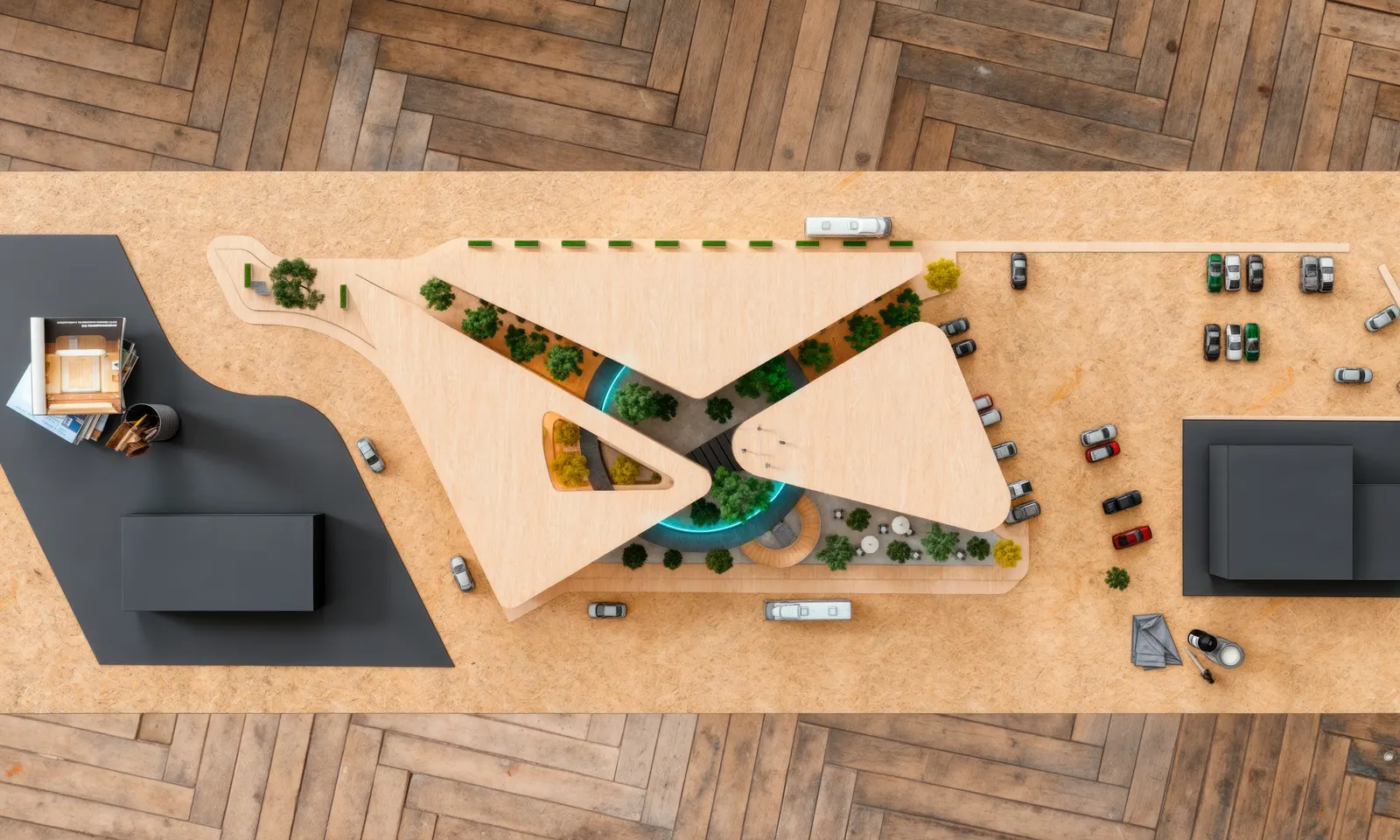
Módulo 1
15 lessons. None over 10 minutes.
2 h 17 min of content. Lifetime access. Go at your pace.
Block 1 · Framing2 lessons · 16 min
- 1.1What AI does for you, and what it doesn’t Free8 min
- 1.2The case: Plaza Oasis and the rules of the game8 min
Block 2 · Site analysis4 lessons · 38 min
- 1.3What you need before opening any software9 min
- 1.4Reading code with Claude without it making things up10 min
- 1.5Context, sun path and wind10 min
- 1.6Program and market: what has to fit9 min
Block 3 · From data to concept4 lessons · 39 min
- 1.7The constraints table that orders the project9 min
- 1.8Parti: using AI without generic results10 min
- 1.9Zoning and flows10 min
- 1.10Massing and density check10 min
Block 4 · Concept imagery3 lessons · 28 min
- 1.11Nano Banana: from sketch to concept image10 min
- 1.12Directed iteration: change without starting over10 min
- 1.13Magnific: enhance and quality control8 min
Block 5 · Delivery2 lessons · 16 min
- 1.14Building the schematic-design board10 min
- 1.15What’s next: the bridge to BIM6 min
This is the first module of a longer path.
-
1
Module 1 · October 30
Conceptual design & site analysis with AI
Schematic design
-
🔒
Module 2 · December 2026
BIM in architecture, for real
Architectural project
-
🔒
Module 3 · February 2027
ArchViz: 3ds Max, Corona, Photoshop & AI
Final render
-
🔒
Module Extra · March 2027
Print & presentation management
Professional delivery
-
🔒
Module 4 · Coming soon
How to quote & charge for architecture
Your own fee schedule
-
🔒
Module 5 · Coming soon
The pitch that wins direct awards
A proposal that captures investment
Buy Module 1 and get early notice and presale pricing on every one that follows.

Who’s going to teach you this
Arq. Irving Sánchez. 16 years of practice, 180+ projects delivered, from bespoke furniture to 20-hectare industrial master plans. Built work in Estado de México, Querétaro, Mexico City and Yucatán.
I’m not a content creator who learned architecture. I’m an architect with built work who learned to use these tools.
Seven files you keep forever
- 01Site-analysis checklist — 40 points
- 02Zoning-potential template
- 03Constraints-table template
- 04Architectural-program template
- 05Tested prompt library, stage by stage
- 06Editable schematic-board template
- 07Plaza Oasis case files
Lock in your 10% off.
Module 1 opens on October 30 and the price is revealed that day. Register before October 15 and I’ll lock in a 10% discount — exclusive to the list.
No spam. Just your name and email. Your details come straight to me and I’ll tell you on launch day.
Frequently asked questions
Do I need to know how to use any of these tools?
No. They’re shown from scratch.
What software do I need?
A browser and whatever you already draw with. The AI tools are web-based.
Is it live or recorded?
Recorded. Lifetime access, at your pace.
Does it work if I’m a student?
Yes. There’s a scholarship with proof of enrollment.
Does it work if I’ve practiced for years?
Yes. The method is the same; what changes is the speed.
Can I use my own project?
Yes, and it’s recommended.
What about the locked modules?
They unlock on the listed dates. Module 1 buyers get notice and presale pricing.
Is there an invoice?
Yes, issued by the payment platform.
What if it’s not for me?
7-day guarantee.